Zapier vs IFTTT: Which Automation Tool Fits Your Business?
Zapier and IFTTT both connect apps, but they were built for different jobs. Here is how to tell which one suits your business.

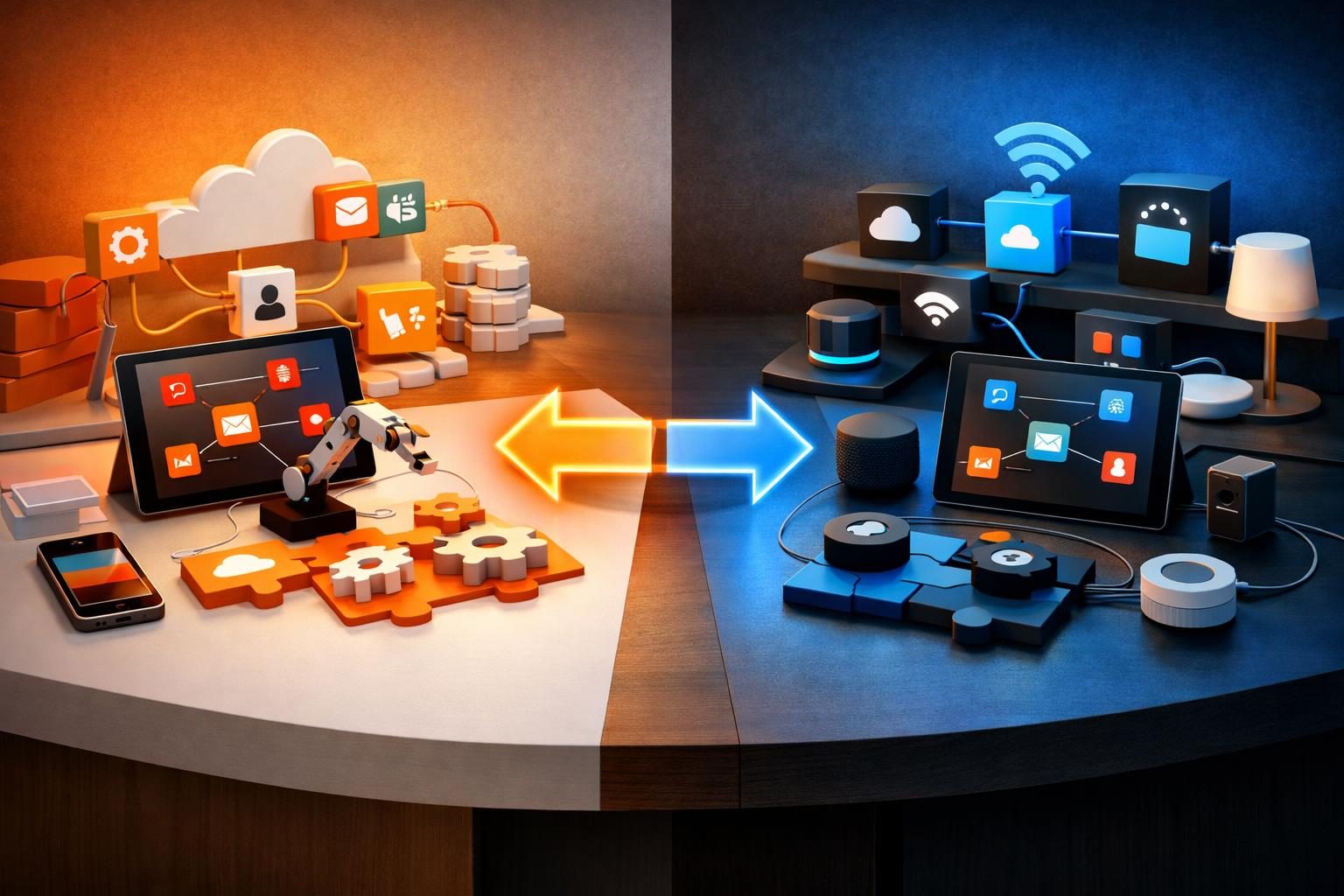
The short answer: choose Zapier if you are automating business work such as leads, invoices and customer follow up. Choose IFTTT if you want simple personal or smart home automations. Most businesses will outgrow IFTTT quickly, while many individuals will never need everything Zapier offers.
What each tool is built for
Both tools follow the same idea: when something happens in one app, do something in another. The difference is who they were designed for.
Zapier is aimed at business workflows. It connects thousands of business apps, including CRMs, email platforms, payment tools and spreadsheets. A single workflow, called a Zap, can run through several steps and make decisions along the way.
IFTTT, short for If This Then That, grew up around consumer apps and connected devices. Its automations are called Applets. It is at its best with smart lights, phones, voice assistants and personal productivity.
Side by side
| Question | Zapier | IFTTT |
|---|---|---|
| Best for | Business processes | Personal use and smart homes |
| Business app coverage | Very broad | More limited |
| Multi-step workflows | A core strength | More basic |
| Team features | Available on team plans | Designed for individuals |
| Learning curve | Moderate | Very easy |
Limits and pricing change often, so check each vendor's current plans before you decide. Zapier pricing and IFTTT plans are the sources to trust.
When Zapier is the better choice
- A website form should create a CRM contact, alert your team and send a reply.
- A paid invoice should update a spreadsheet and start an onboarding sequence.
- Several people need to view, edit or own the same automations.
This kind of workflow is what stops leads from going cold. Our guide to automating lead follow up shows why speed matters so much.
When IFTTT is the better choice
- You want your lights, thermostat or phone to react to simple triggers.
- You want a basic personal task, such as saving items from one app to another.
- You want something cheap and quick, and no one else needs to manage it.
What about other options?
If your automations are growing or your task volume is high, it is worth looking beyond these two. Our comparison of n8n, Zapier and Make covers platforms that handle more complex logic.
How to decide
- Write down the process you want to automate, step by step.
- List every app involved and confirm that the tool supports them.
- Count how many steps run per month, since usage drives cost.
- Ask who will fix it when something breaks.
If you would rather have this planned and built for you, our AI automation service starts with the process, then picks the tool that fits it.